 Bonbon
Bonbon
Bonbon
A calm, curated video app for children — no brainrot, no junk, and you stay in control.
Free to download — on iPhone, iPad and Android.
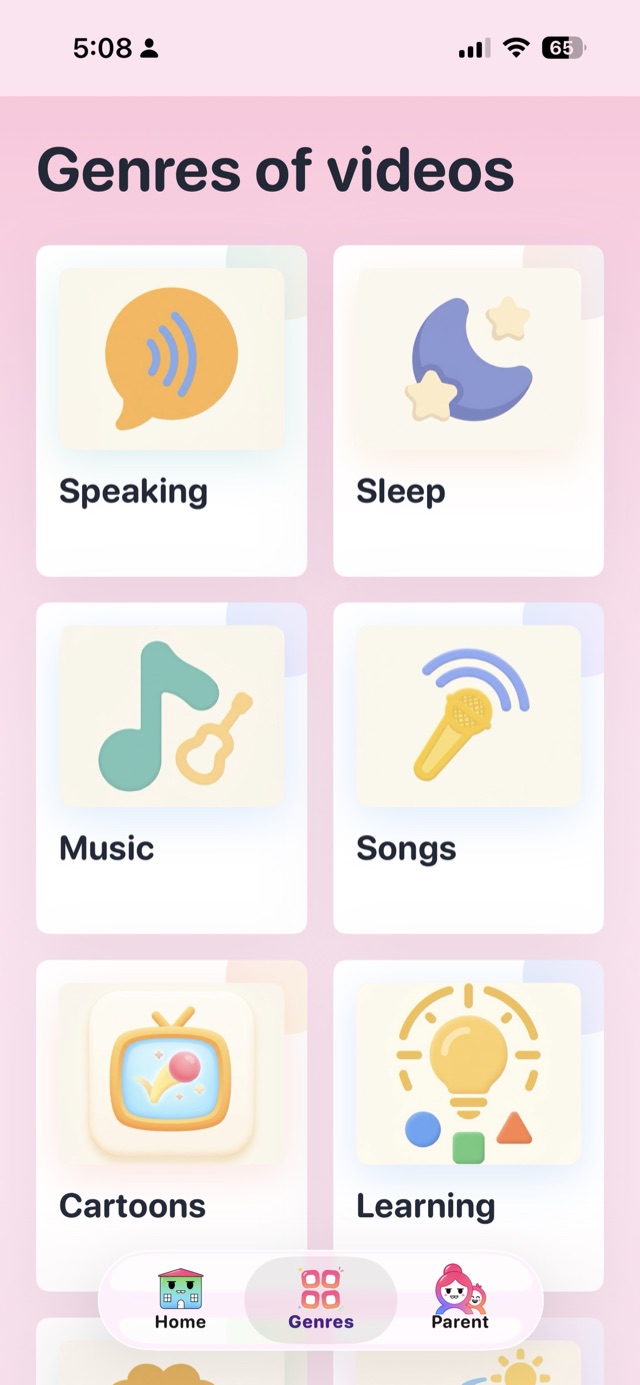
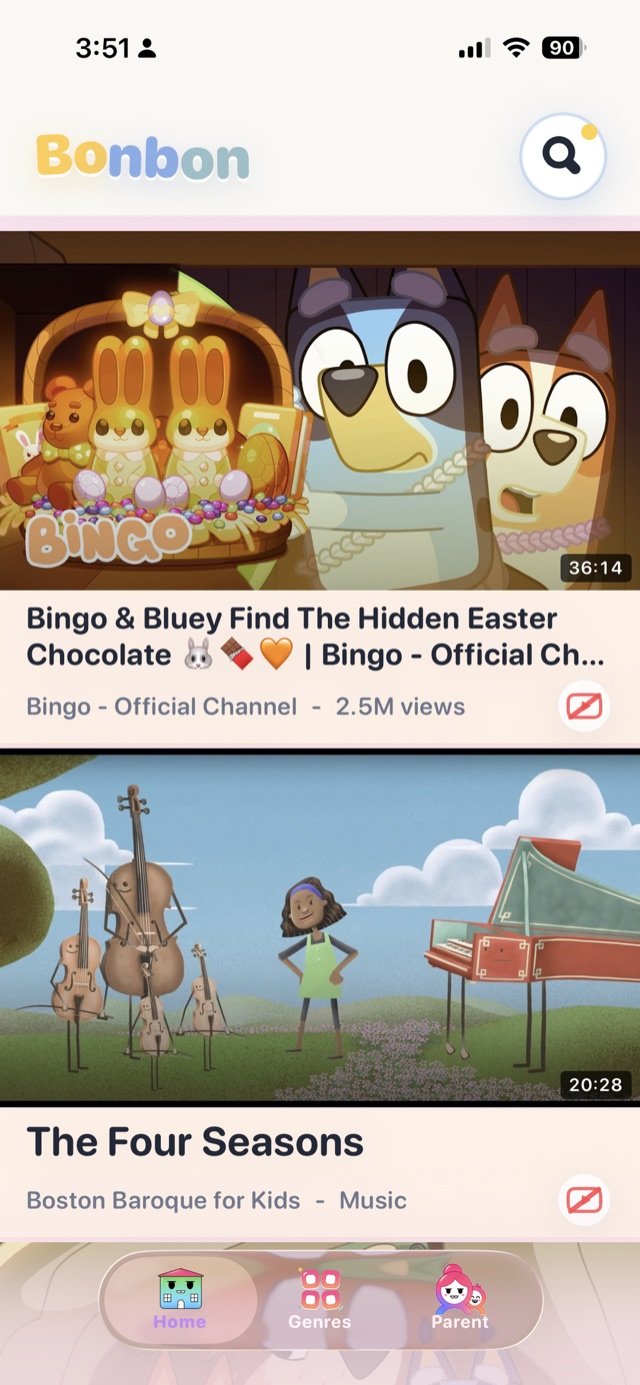
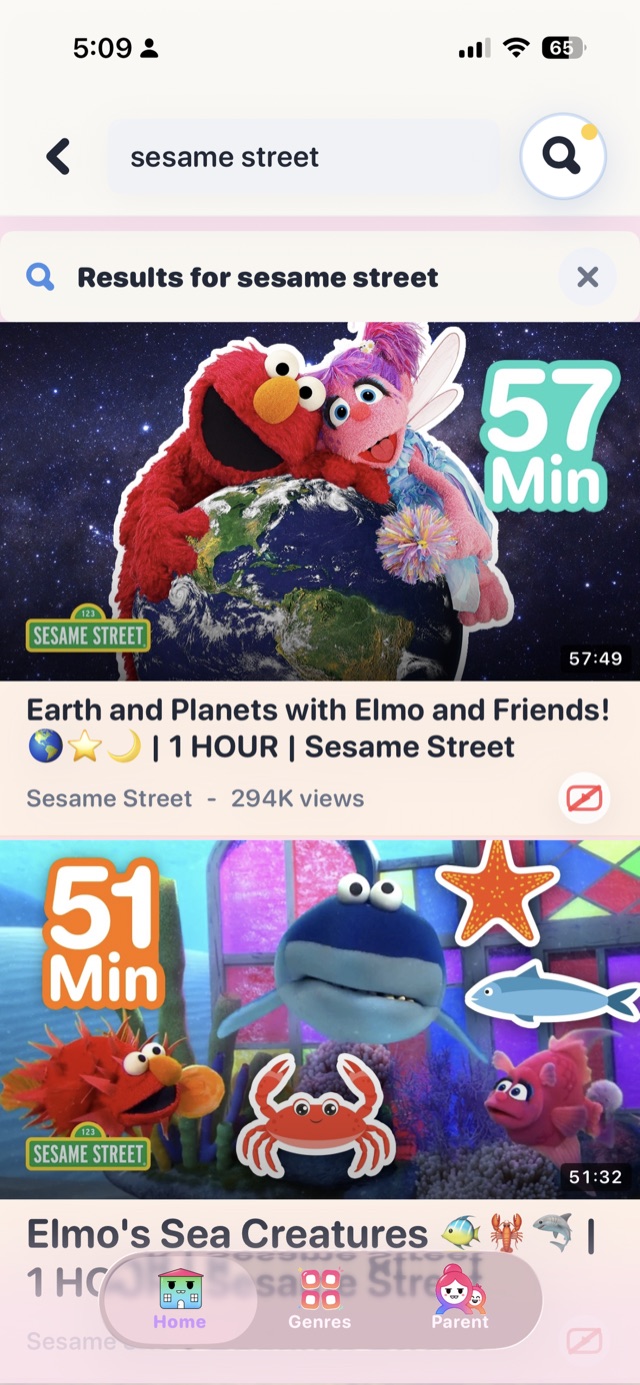
Catalog counts as of September 2026.
One rule behind everything: a video gets in only after it has been checked — and you stay in charge.
One of the loudest complaints about kids' video apps this year: videos in the language of whatever country you happen to be in. In Bonbon the choice is yours, for each child.
Nothing scary, nothing inappropriate, nothing made only to keep a child staring. Fewer videos, better ones.
See Bonbon in action: 20-second videos ›
Bonbon is built by a parent in Almaty, Kazakhstan, who wanted a video app worth handing to their own kids — and is made for families everywhere.
The best thing I've found for my child: useful cartoons, a timer, search by genre, cartoons matched to the child's age. Child happy, mother calm.
No need to worry about what my child will watch. Convenient and intuitive. I recommend it.
The cartoons are proper ones, not junk. Good parental control, and blocking is convenient.
Public App Store reviews, translated from Russian.
YouTube Kids starts from an open platform with millions of uploads and filters out the worst; Bonbon starts from zero and lets videos in one by one. Safety and quality are not the same thing: plenty of videos clear a safety filter and are still hard to call good. Whole channels are built on the fact that a young child cannot yet regulate their own attention — loud hooks, constant cliffhangers, editing tuned so the child keeps watching long after they stopped enjoying it. That style earns the most views, so that is what keeps being made. Bonbon filters it out: a video engineered to maximize views does not get in, however popular it is elsewhere. The catalog is smaller, but the bar is higher — quality, not just safety — and the app itself is built to stay calm rather than to stretch watch time. Full comparison: bonbonapp.app/youtube-kids-alternative
It is for the moment you hand the phone over and the child taps everything: pausing, skipping to the next video, leaving the app, opening something else. Hold the lock on the player for 3 seconds and confirm you are a parent with Face ID or the PIN, and the screen stops answering touches — videos keep playing one after another on their own, and nothing else works: no pause, no Next, no way out of Bonbon. To unlock, do the same again. The lock survives a restart: turn the phone off and on and Bonbon comes back locked on the same video. On Android the app is also pinned, so Home and Recents stop working too; on iPhone you can add Guided Access for the same effect.
Yes, and the TV does not need to be on the same Wi‑Fi as your phone. On Android TV and Google TV, install the Bonbon TV app from Google Play on the TV. On Samsung, LG and other TVs, open bonbonapp.app/tv?lang=en in the TV’s browser. The TV shows a QR code: point your phone’s camera at it, and Bonbon connects the TV. Your child then picks cartoons with the TV remote, and the limits and filters you set on your phone apply there too.
You can also cast a video from the phone: tap the cast icon in the player and pick a Chromecast, Android TV or Google TV on the same Wi‑Fi. The phone becomes the remote, with play/pause, the progress bar and Next. Watching on the TV is free, with or without a phone paired: an unpaired TV shows the whole collection. Pairing your phone, which brings your kids' profiles and your rules to the TV, is part of Bonbon Family, the optional subscription.


Step by step, for every kind of TV: bonbonapp.app/watch-on-tv
Bonbon streams its videos from YouTube, and every so often YouTube stops accepting requests from a particular network or IP address. This is most common in Russia, but it can happen anywhere. Two quick checks:
1. Open www.youtube.com in a browser on the same device. If it doesn't open either, the problem is the network — try another Wi‑Fi, switch to mobile data, or turn your VPN on or off. It often clears up on its own a little later.
2. If YouTube opens (or the YouTube app works) but Bonbon doesn't, your VPN most likely covers only selected apps. Add Bonbon to your VPN's app list or enable the VPN for all apps, then tap "Try again" in Bonbon.
That's the whole point of the app. Every video passes a check before it can appear in the catalog, there is no brainrot and no tracking, and a parent area behind Face ID/PIN gives you watch history, blocking, language choices and screen-time limits.
Every video goes through a quality check before it can enter the catalog: is it calm, age-appropriate, meaningful — is it worth a child's time? Low-quality videos are rejected even when they are technically "kid-safe", and people, not just algorithms, are involved in deciding what stays. More: bonbonapp.app/how-we-check
We reject the style engineered to hypnotize: frantic cuts, flashing colors, a sound effect every half-second — everything designed to hook a child into "one more video". Meaningless conveyor-belt content doesn't get into Bonbon, no matter how many views it has elsewhere.
We favor real studios and creators who make videos with care — work with a name behind it. The mass-produced synthetic “cartoons” flooding kids' platforms are exactly what our screening is built to reject: if a video looks churned out by a machine rather than made by someone, it does not belong in Bonbon. Anything like that which reaches the catalog is taken out as soon as we spot it, and in the parent area you can block any video or show yourself.
Yes. In the parent area you choose the video languages — for example only Kazakh, or Kazakh plus English — and the catalog follows. The interface is translated into 7+ languages, and the app is built with bilingual families in mind.
Yes. Set a daily limit and a schedule, and the app enforces them itself. Once a week you get a report of what your child actually watched and for how long.
Young children — roughly toddlers through early primary school. You set your child's age, and the catalog adapts to it.
Bonbon is free to download, and watching on the phone, tablet and TV is always free. An optional Bonbon Family subscription brings your kids' profiles and your rules to the TV and adds extras for parents, such as more child profiles, a schedule per weekday, weekly reports and full watch history. In the App Store, Google Play and on our website it starts with a 7-day free trial. The app shows the price before you confirm, and you can cancel any time. Prices: bonbonapp.app/pricing. What is free and how to cancel: bonbonapp.app/subscription. On iPhone and iPad it is on the App Store. On Android it is on Google Play, and in GetApps, Xiaomi's app store, which comes pre-installed on Xiaomi, Redmi and POCO phones — the Samsung Galaxy Store is coming soon.
Where you bought it. On iPhone or iPad: Settings, your name, Subscriptions, Bonbon, Cancel Subscription. On Android: Google Play, your profile picture, Payments & subscriptions, Subscriptions, Bonbon, Cancel subscription. Bought on our website: the Manage Your Orders link in any receipt email from FastSpring, our payment partner, or fastspring.com/consumer-support. Deleting the app does not cancel a subscription. Without the phone you can cancel from any browser. Step by step: bonbonapp.app/subscription