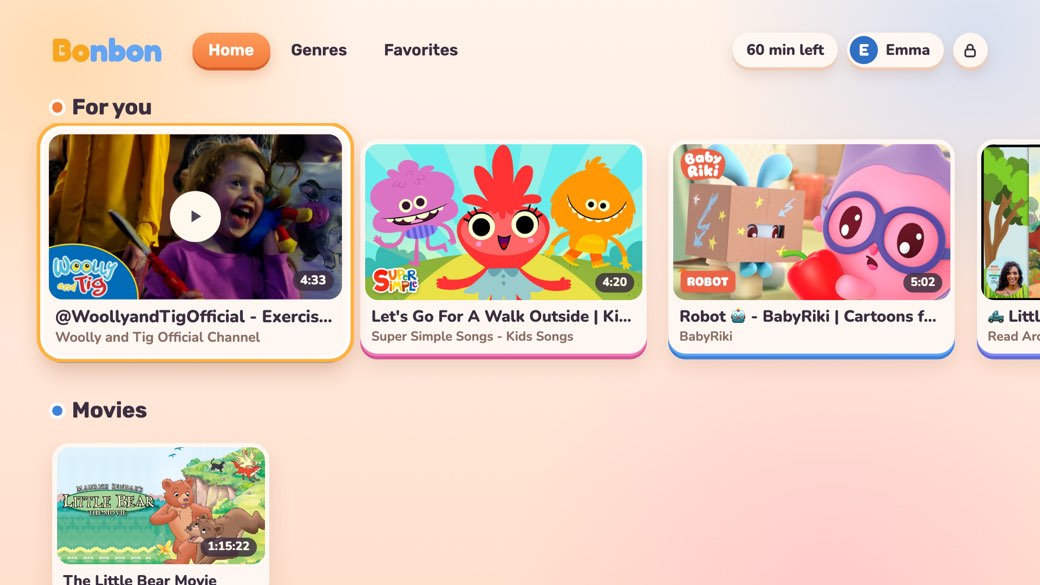
📱 bonbonapp.app/tv is the address for the TV's browser. Here is how to put Bonbon on the TV.
Show the TV code on this screen anyway ›
Two steps: open Bonbon on the TV, then point your phone's camera at the QR code it shows. The limits and filters you set on your phone apply on the TV too.
Which TV do you have?
Google TV, Xiaomi, TCL, Haier, Sony and other TVs with Google Play

Or install it from your phone. On Android, open this link in Google Play, tap the arrow next to Install and choose your TV. On iPhone it opens in the browser: sign in with the TV's Google account, tap Install and choose your TV. It takes the same Google account as the TV, not the same Wi‑Fi.
Add it to the browser's bookmarks: next time it is one click.
Add it to the browser's bookmarks: next time it is one click.
No browser on the TV? A Chromecast or an Android TV box will do.
A QR code and a 6-character code appear on the TV.
In the player, tap the cast icon and pick a Chromecast, Android TV or Google TV. Casting needs the phone and the TV on the same Wi‑Fi.


The TV is connected from the Bonbon app on a parent's phone.